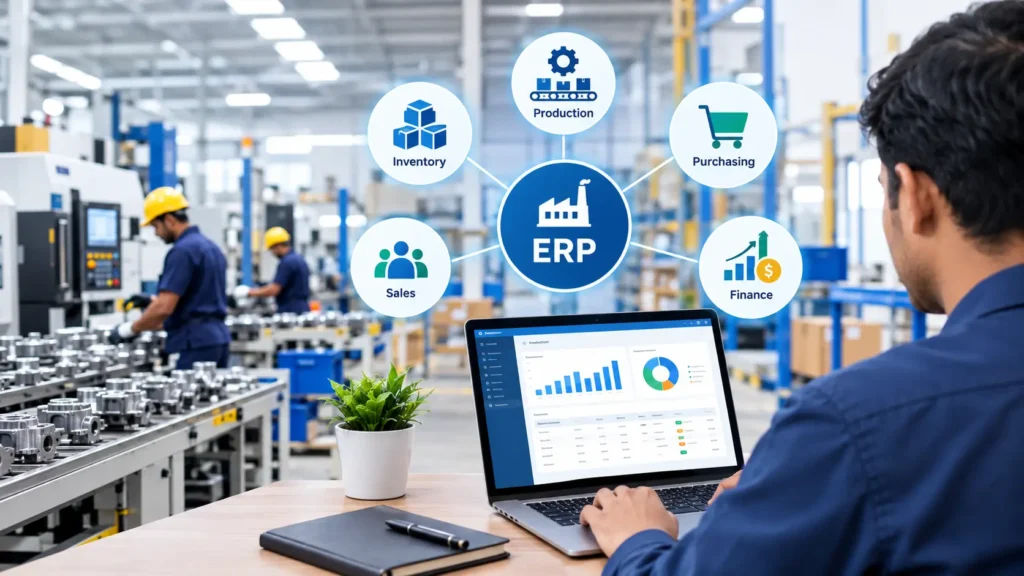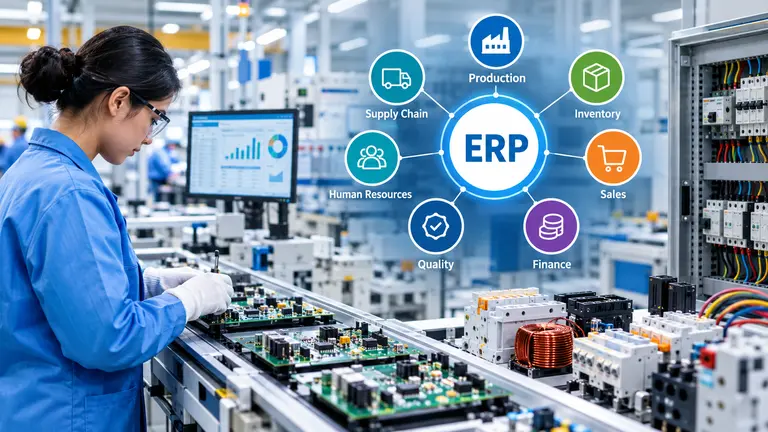
Manufacturing businesses need to manage production schedules, raw materials, machine capacity, workforce availability and customer orders to maintain smooth operations. When these activities are handled manually or through separate systems, production delays, material shortages and rising operational costs can become difficult to control.Production ERP software for production planning helps manufacturers bring these activities together in one centralised system. It provides better visibility into production operations, improves resource utilisation and helps businesses plan manufacturing activities more efficiently.
In this guide, we will explore how ERP software for production planning works, its key benefits and how manufacturers can use ERP production planning to improve productivity and business performance.
What Is Production ERP Software for Production Planning?
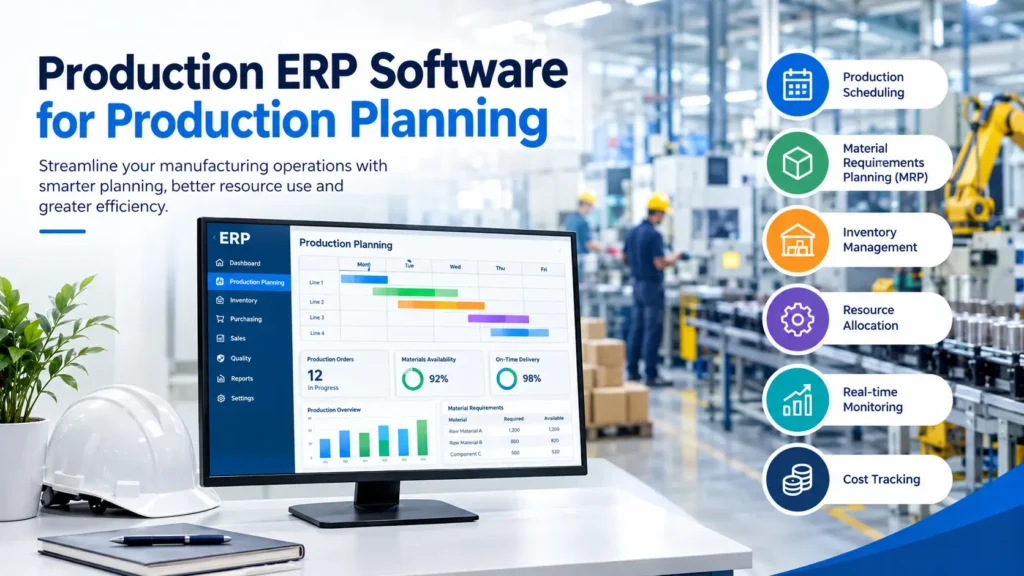
Production ERP software is a business management solution that helps manufacturers plan, schedule, monitor and control their production processes. It connects production planning with inventory management, purchasing, sales, quality control and other essential business functions.With a centralised ERP system, manufacturers can understand what needs to be produced, when production should begin, which materials are required and how available resources should be allocated.
Unlike traditional planning methods, ERP software uses real-time operational data to help production managers make informed decisions and respond quickly to changing customer demands.For small, medium and large manufacturing businesses, production planning ERP software can improve coordination between departments while reducing unnecessary manual work.
Why Is ERP Software for Production Planning Important?
Effective production planning is essential for meeting customer deadlines, controlling costs and maintaining consistent product quality. Without proper planning, manufacturers may experience overproduction, idle machinery, material shortages and inefficient use of labour.ERP software for production planning helps businesses address these challenges by connecting production schedules with material availability, machine capacity and order requirements.
Here are some reasons why manufacturers should consider implementing a production planning ERP system:
- Better production scheduling: Plan manufacturing activities according to order priorities, available capacity and delivery deadlines.
- Improved inventory control: Check raw material availability before production starts.
- Reduced production delays: Identify potential bottlenecks and shortages earlier.
- Higher resource utilisation: Make better use of machinery, labour and production capacity.
- Improved order management: Coordinate production plans with customer orders and delivery commitments.
- Accurate reporting: Access production data to monitor performance and identify areas for improvement.
Key Features of ERP Software for Production Planning
Choosing the right ERP system means understanding which features can support your manufacturing requirements. A comprehensive production ERP solution should provide the following capabilities.
1. Production Scheduling and Planning
Production scheduling helps manufacturers determine when each job should begin, which resources are required and how tasks should be arranged.ERP production planning software allows managers to create schedules based on customer orders, production capacity, material availability and delivery dates. When priorities change, managers can revise plans and coordinate activities more effectively.
This helps minimise scheduling conflicts and keeps production operations organised.
2. Material Requirements Planning (MRP)
Material Requirements Planning, or MRP, helps businesses calculate the raw materials and components required to manufacture products.An ERP system can use production schedules, bills of materials and current inventory levels to identify material requirements and purchasing needs.
This allows manufacturers to reduce material shortages, avoid unnecessary purchases and ensure that essential components are available when production begins.
3. Inventory and Stock Management
Inventory availability directly affects production performance. If raw materials are unavailable, production may stop. Excess inventory, on the other hand, increases storage costs and ties up working capital.ERP software for production planning connects inventory information with manufacturing requirements. Businesses can monitor stock levels, track material movements and identify items that need replenishment.
Better inventory visibility supports smoother production and more informed purchasing decisions.
4. Capacity Planning and Resource Allocation
Manufacturers must balance production demand with the available workforce, machinery and working hours.
Production ERP software helps managers evaluate available capacity and allocate resources according to production requirements. Depending on the system, capacity planning may include machine availability, labour schedules, maintenance periods and work-centre workloads.
This helps businesses identify overloaded production areas and reduce avoidable downtime.
5. Work Order Management
Work orders provide instructions for manufacturing specific products or quantities. They typically include material requirements, operations, quantities and planned production dates.ERP production planning connects work orders with inventory, scheduling and shop-floor activities. Managers can track order progress and identify issues that may affect completion dates.
This improves communication between planning teams, supervisors and production staff.
6. Real-Time Production Monitoring
Production managers need accurate information to understand whether manufacturing activities are progressing according to plan.Depending on the ERP system and its integrations, production monitoring can provide information about job status, output quantities, material consumption, machine performance and production delays.
Access to timely information helps managers respond to operational issues before they create larger disruptions.
7. Production Cost Tracking
Understanding manufacturing costs is important for maintaining profitability.
ERP software can help businesses track material consumption, labour costs, production overheads and other manufacturing expenses. Comparing planned costs with actual costs can highlight inefficiencies and support better budgeting.
Accurate production cost information also helps businesses evaluate product margins and identify opportunities to reduce waste.
Benefits of ERP Production Planning for Manufacturing Businesses
Implementing ERP production planning can improve manufacturing operations when the software is configured around the business’s processes and supported by accurate data.
Improved Production Efficiency
A centralised planning system helps manufacturers coordinate production schedules, materials and resources. Employees spend less time collecting information from different spreadsheets and systems, allowing them to focus on production priorities.
Reduced Manufacturing Costs
Better planning can reduce avoidable machine downtime, excess inventory, material waste and unplanned production interruptions.
By understanding resource requirements in advance, manufacturers can make more effective use of their available budget and capacity.
Faster Order Fulfilment
When production schedules are connected with customer orders and material availability, businesses can plan work more realistically and monitor progress against delivery dates.
This improves the ability to respond to customer requirements and manage delivery commitments.
Better Decision-Making
ERP software provides a more complete view of manufacturing operations. Production reports and performance indicators help managers identify recurring problems, assess capacity and make decisions based on operational information.
Greater Visibility Across Departments
Production planning depends on coordination between purchasing, inventory, sales, quality and manufacturing teams.
An integrated ERP platform gives relevant departments access to consistent information, reducing communication gaps and helping everyone work towards shared production targets.
Support for Business Growth
As manufacturing operations expand, manual planning becomes harder to manage. ERP production planning provides a structured way to handle additional orders, products, materials and production activities without relying entirely on disconnected tools.
How Does ERP Production Planning Work?
ERP production planning follows a series of connected steps that turn customer demand into an organised manufacturing schedule.
Step 1: Review customer orders and demand
The planning team reviews confirmed orders, expected demand and delivery requirements to determine what needs to be manufactured.
Step 2: Check inventory and material requirements
The ERP system checks available stock and calculates the materials required using product structures and bills of materials.
Step 3: Evaluate production capacity
Managers review available machines, work centres, labour and production time to determine whether the planned workload is achievable.
Step 4: Create production schedules
Production jobs are arranged according to material availability, capacity, priorities and required completion dates.
Step 5: Release work orders
Approved production plans are converted into work orders with the relevant instructions and requirements.
Step 6: Monitor production progress
Teams track production activities, material consumption, output and any delays using the information available in the ERP system.
Step 7: Review performance and improve future plans
Managers compare actual results with planned schedules and costs. The findings can help improve future production planning and resource allocation.
Production ERP Software vs Manual Production Planning
Many manufacturers still rely on spreadsheets, paper-based schedules and separate applications to manage their production activities. Although these methods may work for simple operations, they can become difficult to maintain as production requirements increase.
| Area | Manual production planning | ERP production planning |
|---|---|---|
| Production scheduling | Frequent manual updates | Centralised planning and scheduling tools |
| Inventory visibility | Data may be spread across files | Integrated stock information |
| Material planning | Manual calculations | MRP-based requirements planning |
| Resource allocation | Limited visibility across operations | Improved capacity and resource visibility |
| Production tracking | Updates may be delayed | Timely updates, depending on system integration |
| Reporting | Manual data compilation | Configurable reports and dashboards |
| Scalability | More manual work as operations grow | Structured processes for expanding operations |
The right choice depends on production complexity, business size, budget and existing systems. Manufacturers should assess their actual requirements before selecting an ERP solution.
How to Choose the Best ERP Software for Production Planning
Selecting the right production ERP software requires more than comparing prices or counting features. The solution should match your manufacturing process and support your long-term business objectives.
Consider these factors before making a decision:
- Manufacturing requirements: Check whether the system supports your production method, such as make-to-order, make-to-stock, batch or process manufacturing.
- Planning capabilities: Evaluate scheduling, MRP, capacity planning and work order management.
- Inventory integration: Ensure that production plans use reliable material availability information.
- Reporting and analytics: Look for reports that help monitor production efficiency, costs and delivery performance.
- Ease of use: Choose a system that employees can learn and use effectively.
- Integration options: Check compatibility with accounting, purchasing, sales, warehouse and shop-floor systems.
- Scalability: Make sure the solution can support future growth and additional operational requirements.
- Implementation and support: Evaluate training, data migration, configuration, ongoing support and the total cost of ownership.
Before implementing an ERP system, map your existing production workflow and define measurable objectives. This will help you identify the features that matter most to your business.
How Newton ERP Supports Production Planning
Manufacturers need a connected approach to managing production activities, materials and operational information. Newton ERP can be positioned as a solution for businesses looking to improve production visibility and coordinate manufacturing processes through an integrated ERP platform. Depending on the modules implemented and the system configuration, production planning capabilities can help businesses organise production schedules, manage material requirements, monitor manufacturing progress and improve coordination between departments.
With a clearly defined implementation plan, manufacturers can work towards reducing manual processes, improving resource utilisation and gaining better control over their production operations.
To get the best results, businesses should evaluate their specific requirements, review the available production planning features and configure the system around their manufacturing workflows.
Conclusion: Improve Manufacturing Efficiency with Production ERP Software
Efficient production planning helps manufacturers meet customer requirements, control costs and make better use of their resources. By connecting production schedules with inventory, material requirements and operational data, ERP software for production planning provides a structured way to manage manufacturing activities.
Whether your business is looking to improve scheduling, reduce material shortages or gain better visibility into production performance, the right ERP solution can support more organised and informed manufacturing operations.
Looking to improve your manufacturing and production planning processes? Explore Newton ERP to understand how its available capabilities can support your business requirements and help you build a more efficient production workflow.