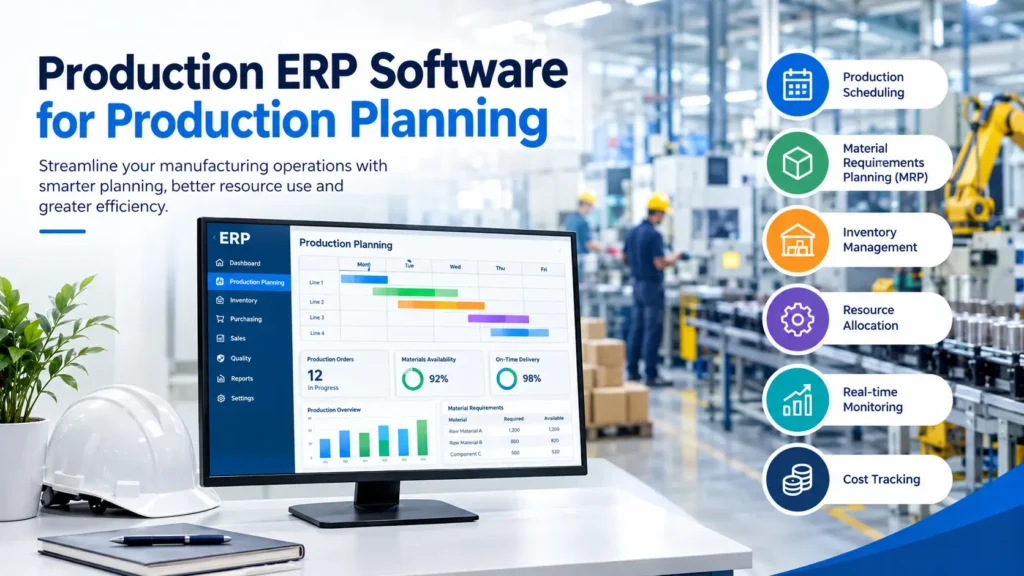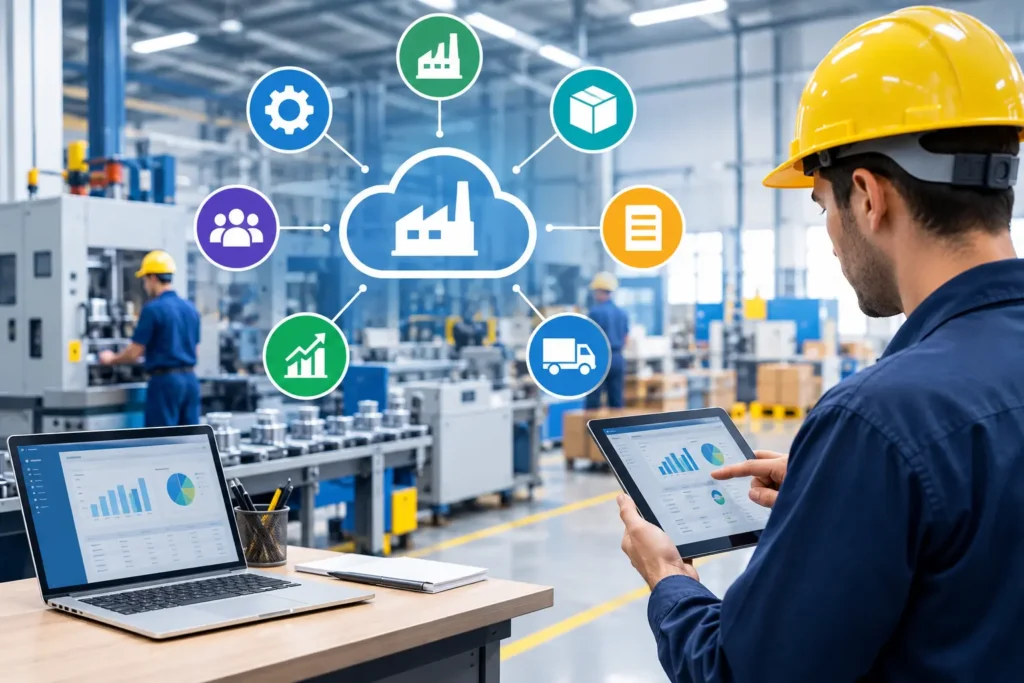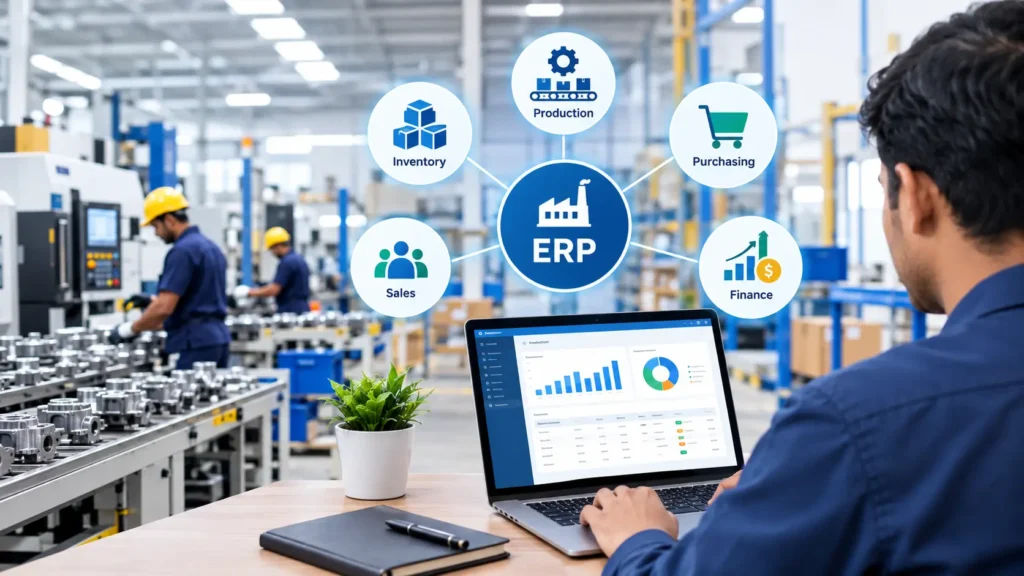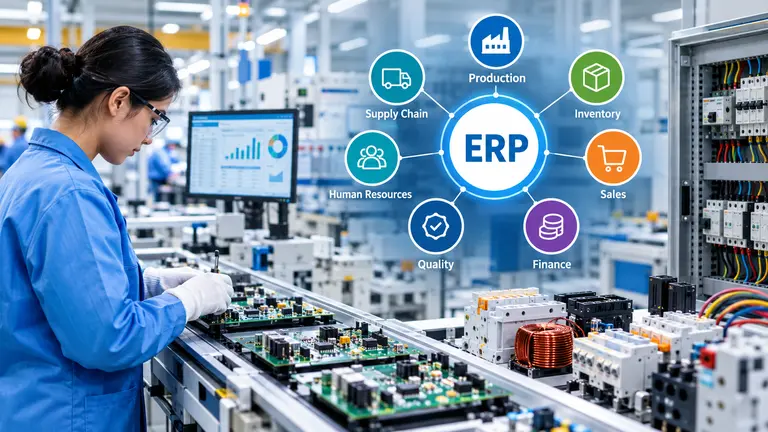
Choosing the right ERP software for SMEs business in India helps SMEs manage business operations, improve productivity, control costs, and make data-driven decisions. Manufacturing businesses should select an ERP system that supports inventory management, production planning, material requirements planning (MRP), purchasing, sales, finance, quality control, and reporting.
The best ERP software for an SME is not necessarily the most expensive or popular solution. It should match the company’s business processes, industry requirements, budget, scalability, and implementation capabilities.
For small and medium-sized manufacturers, an industry-focused ERP such as NEWTON ERP can help connect different business functions through an integrated software platform.
What Is ERP Software for Small Businesses?
Enterprise Resource Planning (ERP) software is a business management system that integrates multiple departments and processes into a centralized platform.
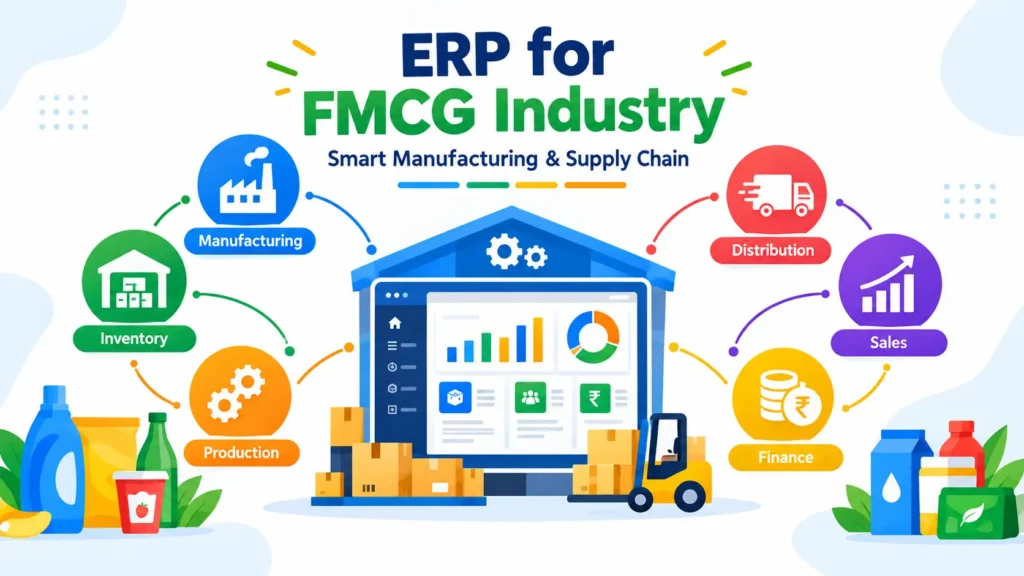
ERP software for small businesses can help manage:
- Inventory and warehouse operations
- Purchase and supplier management
- Sales and customer orders
- Production planning
- Finance and accounting
- Human resources
- Quality management
- Business reporting and analytics
Instead of maintaining separate systems or spreadsheets for every department, an ERP platform allows businesses to manage connected operational data in one system.
Example: A manufacturing company can use ERP software to track raw materials, production requirements, finished goods, sales orders, and inventory availability.
Why Do SMEs Need ERP Software?
Small and medium-sized enterprises often face challenges when business operations are managed manually or through disconnected software systems.
Common problems include:
- Manual inventory tracking
- Inaccurate production planning
- Limited visibility into business costs
- Duplicate data entry
- Difficulty tracking purchase orders and sales orders
- Delayed financial reporting
- Poor coordination between departments
- Limited visibility into business performance
An ERP system can help integrate these processes and provide more consistent information for operational and management decisions.
Key Benefits of ERP Software for SMEs
Improved operational visibility: Businesses can monitor relevant information across departments.
Better inventory control: Companies can track material availability, stock movement, and inventory requirements.
Improved productivity: Integrated workflows can reduce repetitive manual work.
Better decision-making: Reports and dashboards can support business planning.
Scalability: A suitable ERP system can support changing business requirements as the company grows.
The actual benefits depend on the software’s capabilities, implementation quality, employee adoption, and the company’s existing processes.
ERP for Small Business Manufacturing: Essential Features
Manufacturing SMEs require ERP software that supports both administrative and production-related activities. A general accounting system may not be sufficient for businesses that manage bills of materials, production processes, raw materials, and finished goods.
When evaluating ERP for small business manufacturing, consider the following features.
1. Inventory and Warehouse Management
Inventory management is one of the most important functions of manufacturing ERP software.
The system should support:
- Raw material tracking
- Finished goods management
- Stock movement
- Warehouse management
- Batch and lot tracking
- Inventory valuation
- Reorder planning
- Material availability
Better inventory visibility can help businesses plan purchases and reduce avoidable stock-related problems.
2. Production Planning and MRP
Material Requirements Planning (MRP) helps businesses plan material requirements based on production needs, inventory availability, and related planning inputs.
Manufacturing ERP software may include:
- Production planning
- Material requirements planning
- Bill of Materials (BOM)
- Work-in-progress tracking
- Production scheduling
- Process management
- Material consumption tracking
- Rework and rejection tracking
Before selecting an ERP, manufacturers should confirm whether the system supports their actual production methods and processes.
3. Finance and Accounting Integration
ERP software should connect operational transactions with financial processes where appropriate.
Important functions may include:
- Accounts payable and receivable
- Purchase and sales accounting
- Expense tracking
- Cost analysis
- Financial reporting
- Tax-related workflows
- Branch or business-unit reporting
Businesses should verify the accounting features and local compliance requirements with the ERP provider before implementation.
4. Purchase and Supplier Management
An ERP system can help companies manage supplier-related processes, including:
- Purchase requisitions
- Purchase orders
- Supplier information
- Material receipts
- Purchase history
- Supplier performance
- Purchase reporting
Integrated purchase and inventory information can help businesses improve coordination between procurement and production teams.
5. Quality Management and Traceability
Quality control is especially important for manufacturers operating in industries with specific product and process requirements.
Potential ERP capabilities include:
- Incoming quality inspection
- In-process quality control
- Finished goods inspection
- Batch traceability
- Quality certificates
- Rejection tracking
- Customer complaints
- Corrective action records
Manufacturers should check whether the ERP supports the required traceability and quality workflows for their products.
6. Reporting and Business Analytics
ERP reporting enables managers to monitor business operations and identify areas that require attention.
Useful reports may include:
- Inventory reports
- Production reports
- Sales reports
- Purchase reports
- Costing reports
- Profitability reports
- Outstanding payment reports
- Department-wise performance reports
Ask the ERP provider whether reports can be customized according to your business requirements.
How to Choose the Best ERP Software for Manufacturing in India
The best ERP software for manufacturing in India depends on the size of your business, manufacturing complexity, required features, budget, and implementation needs.
Use the following steps to evaluate ERP solutions.
Step 1: Identify Your Business Requirements
Before contacting ERP providers, prepare a list of your current challenges and requirements.
Consider:
- How many employees will use the system?
- How many locations or plants do you operate?
- What type of manufacturing process do you follow?
- Do you require BOM and MRP?
- How do you currently manage inventory?
- Do you need accounting integration?
- What reports are essential for management?
- Which manual processes should be automated?
A clear requirements document helps you compare software based on actual business needs.
Step 2: Select Industry-Specific Features
Manufacturing businesses should evaluate ERP software according to their industry and production model.
For example:
| Manufacturing Requirement | ERP Capability to Evaluate |
| Raw material planning | MRP and inventory planning |
| Product assembly | BOM and production management |
| Multiple production stages | Process-wise production tracking |
| Product costing | Material and process costing |
| Quality requirements | Quality control and traceability |
| Finished goods | Stock and dispatch management |
| Multiple locations | Branch and plant management |
| Customer orders | Sales order and delivery tracking |
Not every ERP system offers the same capabilities. Request a product demonstration based on your specific workflows.
Step 3: Evaluate Total Cost of Ownership
ERP costs may include more than the software subscription or license.
Consider:
- Software license or subscription
- Implementation charges
- Data migration
- Customization
- Employee training
- Support and maintenance
- Integration costs
- Infrastructure costs, where applicable
Compare the total expected cost with the operational value and business requirements. Avoid selecting software based only on the lowest initial price.
Step 4: Check Ease of Use
An ERP system should be usable by employees across relevant departments.
During a demo, evaluate:
- User interface
- Mobile accessibility
- Workflow simplicity
- Reporting experience
- Employee training requirements
- Role-based access
- Availability of support
A feature-rich ERP system may still create implementation challenges if employees find it difficult to use.
Step 5: Review Integration and Scalability
Choose an ERP solution that can support your expected business growth.
Ask the provider about:
- Accounting integration
- CRM integration
- Existing software integration
- API availability
- Multiple branches and locations
- User expansion
- Data security
- Backup and recovery
- Future upgrades
Confirm which integrations are available out of the box and which require customization.
Step 6: Request a Customized Product Demo
A customized demo is more useful than a general presentation.
For a manufacturing business, ask the ERP provider to demonstrate a complete process:
Sales Order → Production Planning → Material Requirement → Purchase → Production → Quality Control → Finished Goods → Dispatch → Accounting
This helps your team understand how the ERP will work in real business situations.
Top 10 ERP Software in India: How to Compare Your Options
Many businesses search for top 10 ERP software in India when beginning their ERP research. However, there is no single ERP ranking that is suitable for every SME or manufacturing business.
ERP products differ in:
- Industry specialization
- Company size
- Pricing model
- Manufacturing capabilities
- Customization options
- Implementation support
- Integration
- Scalability
Instead of choosing software only because it appears on a “top 10 ERP software in India” list, evaluate each provider against your business requirements.
ERP Comparison Checklist
| Evaluation Factor | Questions to Ask |
| Industry fit | Does the ERP support our manufacturing industry? |
| Production | Does it support our production planning and processes? |
| Inventory | Can it track materials, batches, and finished goods? |
| Integration | Can it connect with our existing systems? |
| Pricing | What is the complete implementation and operating cost? |
| Support | What support is included after implementation? |
| Scalability | Can the system support future business growth? |
| Security | What security and access controls are available? |
| Reporting | Can we generate the reports required by management? |
| Implementation | What is the proposed implementation approach? |
Important: A provider should be included in a specific top-10 comparison only after verifying its current product capabilities, market relevance, and comparison criteria. A generic list should not be presented as an independently verified ranking.
NEWTON ERP for Manufacturing Businesses
NEWTON ERP is an enterprise software solution from Nippon Data that can be evaluated by businesses looking for integrated ERP capabilities.
Manufacturing businesses should review the relevant NEWTON ERP modules and confirm which features are suitable for their operations.
Potential areas to evaluate include:
- Manufacturing and production management
- Inventory management
- Material planning
- Product costing
- Sales and purchase processes
- Quality management
- Reporting and analytics
- Business process integration
The exact modules, features, and implementation scope should be confirmed with the Nippon Data team based on the company’s requirements.
Why Evaluate an Industry-Focused ERP?
An industry-focused ERP approach can help businesses assess software according to their operational workflows rather than relying only on generic accounting or business management features.
For example, a manufacturing company may need to manage production stages, material consumption, costing, quality control, and inventory simultaneously. The ERP evaluation should therefore focus on whether the software can support these interconnected processes.
Common Mistakes When Choosing ERP Software for SMEs
1. Selecting Software Only on Price
The cheapest ERP may not provide the required functionality, support, or scalability. Consider the total cost and business fit.
2. Ignoring Employee Training
Employees need training and practical support to adopt new workflows successfully.
3. Not Defining Requirements
Without clear requirements, businesses may purchase unnecessary features or miss essential capabilities.
4. Overlooking Data Migration
Ask how existing customer, supplier, inventory, and accounting data will be migrated and validated.
5. Not Checking Support Services
Confirm the provider’s support process, response commitments, training, and maintenance terms.
6. Choosing Based on Marketing Claims
Evaluate real product demonstrations, documentation, references, and relevant use cases rather than relying only on promotional claims.
Conclusion
Choosing the right ERP software for small business in India requires a clear understanding of your business processes, operational challenges, and future growth plans. Manufacturing SMEs should prioritize ERP features such as production planning, inventory management, MRP, costing, quality control, and reporting.
Before making a final decision, compare available ERP solutions, request a customized demo, evaluate implementation costs, and confirm the software’s suitability for your industry.
Explore NEWTON ERP by Nippon Data to discuss ERP requirements for your manufacturing business.